Free Windows screensaver
Xenomaze Screensaver
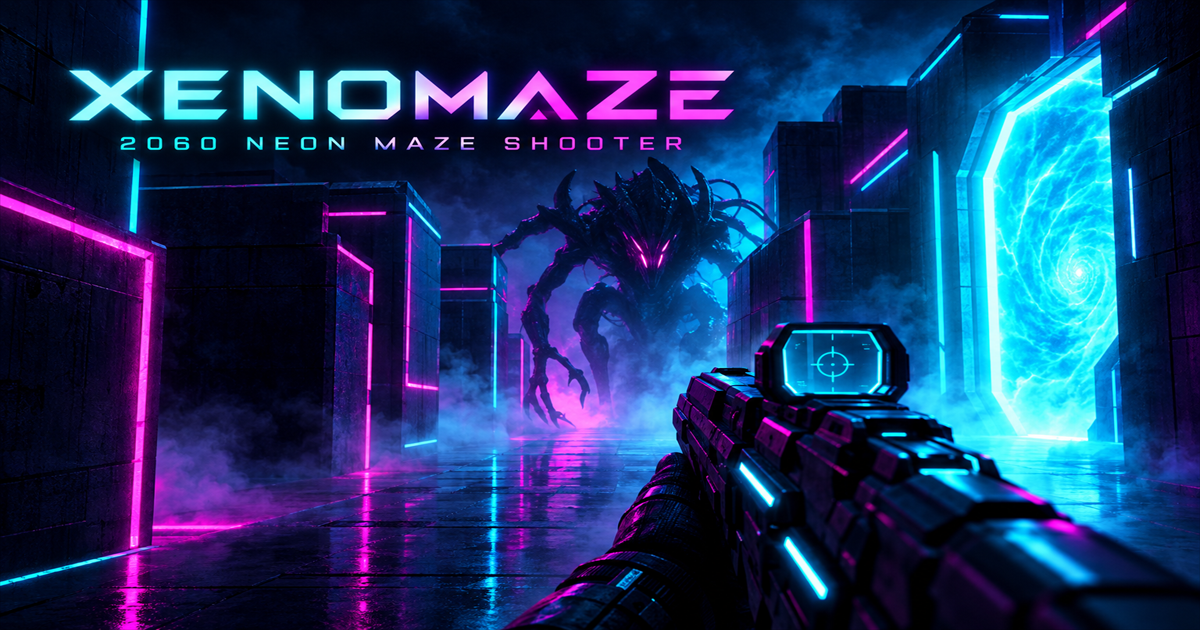
An AI pilot flies the neon maze shooter across five themed sectors — right on your desktop. It starts after 15 minutes of inactivity and keeps your PC awake so the show keeps running. Click to take over and play; press Esc or double-click to exit.
 ⬇ Download for Windows (.zip)
Install
- Download and unzip the folder anywhere.
- Double-click
Install.bat. - If Windows SmartScreen appears, choose More info → Run anyway.
- Done — it activates after 15 minutes idle. Run
Preview.batto try it now.
Included
- Install.bat / Uninstall.bat
- Preview.bat — test instantly
- Click to play · Esc / double-click to exit
- Runs fully offline, keeps PC awake
Change the timer anytime in Windows: Settings → Personalization → Lock screen → Screen saver
(listed as “Xenomaze 2060”). The installer is not code-signed, so SmartScreen may warn on first run.